Playback
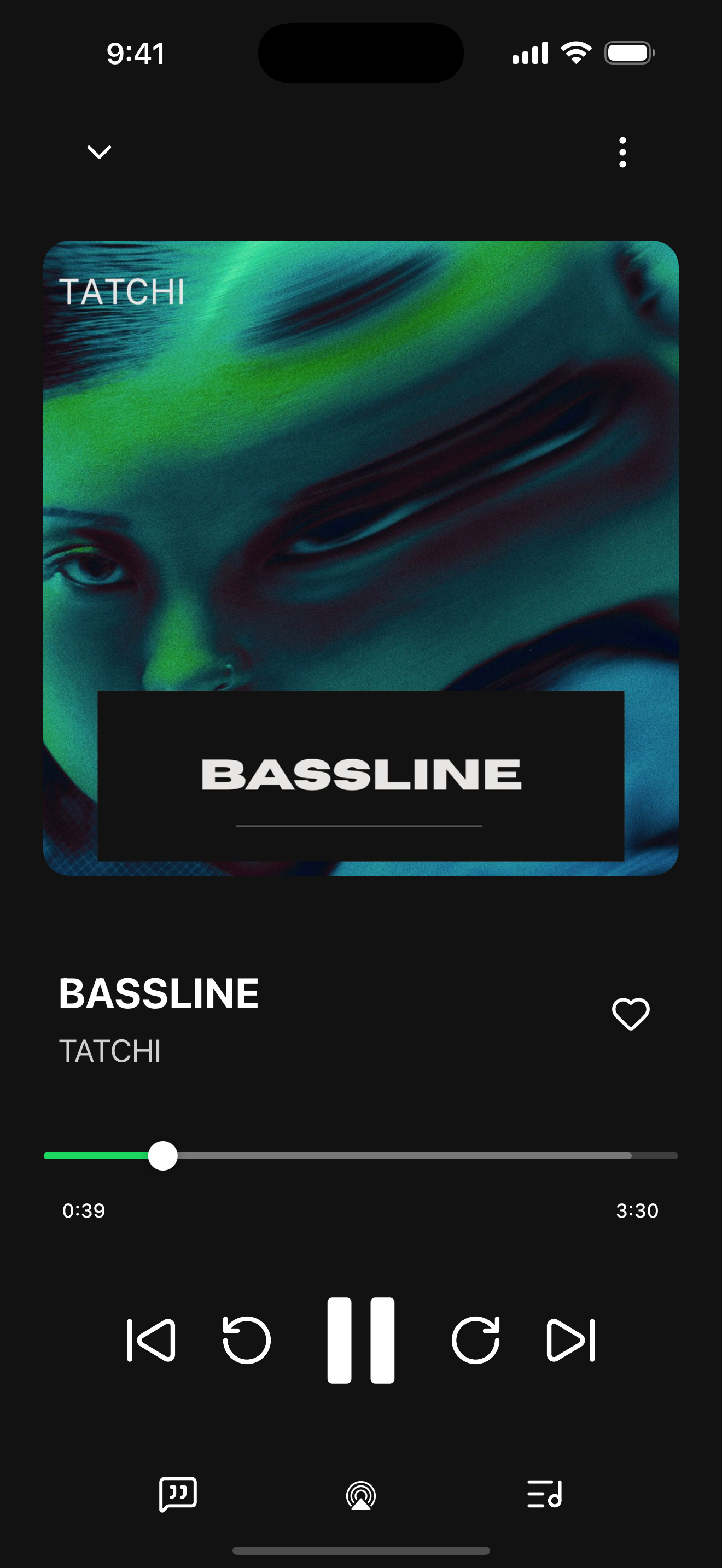
Gapless albums, crossfade, seeking, ReplayGain, and what happens when you switch between headphones, a speaker, and the car.
Connect your server and use it the way you normally would. Everything is unlocked. When something breaks, send me a report and I'll fix it.
iOS opens soon. The TestFlight link goes here once Apple approves an external build.
Android opens soon. The Google Play link goes here once a testing build is approved.
What to test
You don't need to be technical. If something sounds wrong, looks wrong, or doesn't do what you expected, that's a report.
Gapless albums, crossfade, seeking, ReplayGain, and what happens when you switch between headphones, a speaker, and the car.
Plex, Jellyfin, Emby, Navidrome or another OpenSubsonic server, or Audiobookshelf. Remote access, transcoding, and big libraries are where I most need reports.
CarPlay, Android Auto, AirPlay, Chromecast, Bluetooth, and EQ profiles on whatever you already own.
EQ and crossfade are processed on the phone, so they apply to local, Bluetooth, and in-car playback. AirPlay and Chromecast hand the stream to the receiver and skip the phone's DSP.
iPhone & iPad · TestFlight
TestFlight caps how many testers a link can take. If it's full, check back. I open new spots in waves.
Android · Google Play internal testing
Google Play is still reviewing Headroom, so for now the Android beta is a signed APK from this page. Only download it from headroommusic.app.
I count how many times each build's download is started. That's one number per build, with no cookies, no device identifiers, and nothing about you.
Download Android APKPending
Once Headroom is on Google Play, you'll need to uninstall this build before installing the Play version. Android can't update across signing keys, and uninstalling clears local settings and downloads. Your server is unaffected. The privacy policy has the details, or contact support.
The Android beta is currently an invite-only internal test. Email support@headroommusic.app with the Gmail address or Google account you use for Google Play, and I'll add it to the tester list.
If Google Play says the app isn't available, check that you're signed in with the exact account you emailed to support.
Leave your email and confirm it once. I'll send the Google Play testing link as soon as it's approved.
Report a bug
In the app, go to Settings > Diagnostics > Email support. It attaches a redacted diagnostic report. Add a sentence or two about what happened and send it.
For screenshots and visual glitches, TestFlight or Google Play feedback works fine too.
How to report feedback